
How the programs work
How to read the schedule, swap exercises and handle missed workouts.
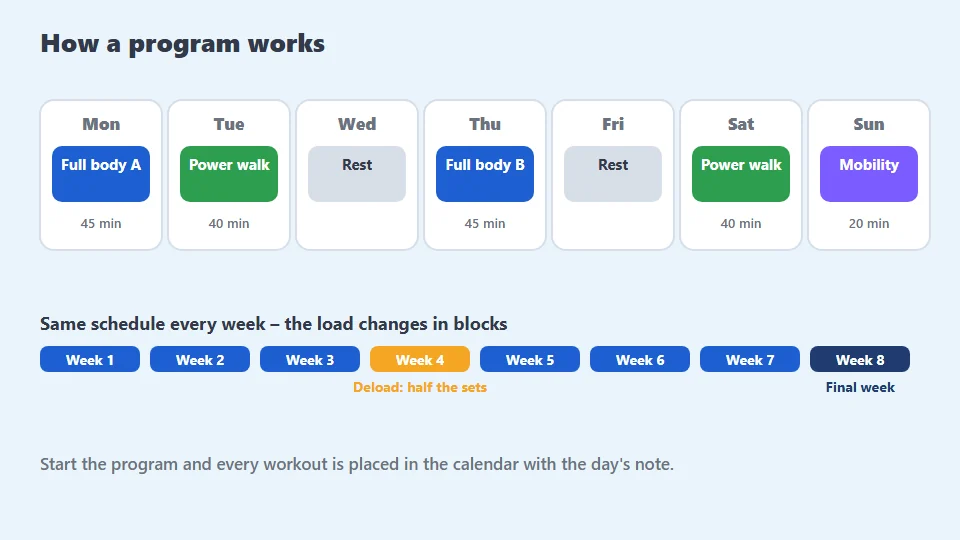
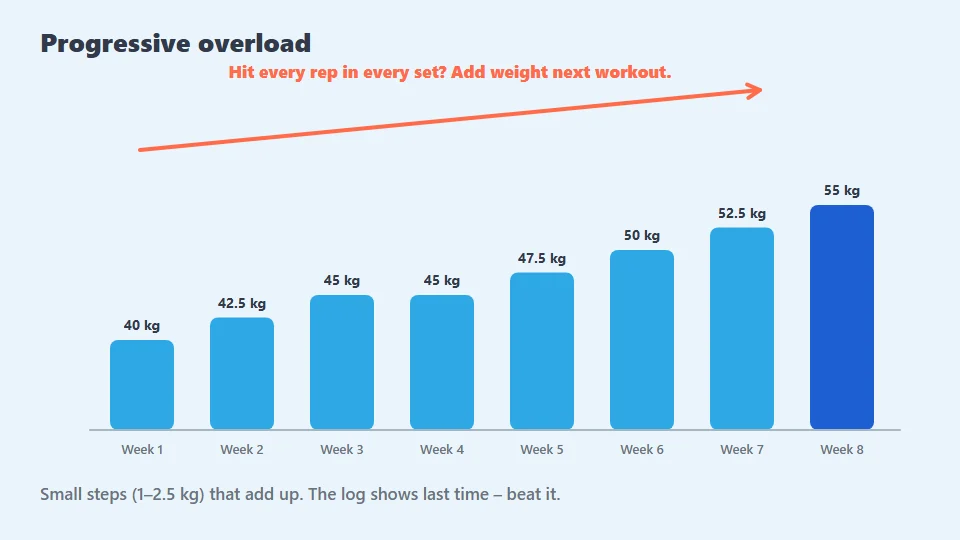
A program is a schedule over a number of weeks: which workouts, which days and what changes week by week. When you start it, every workout is placed in the calendar with that day's note – "Deload" or "Add weight where all sets succeeded".
Pick a program by goal
- Getting started: few workouts, short, habit first.
- Build muscle: three to five strength workouts a week, volume rising in blocks.
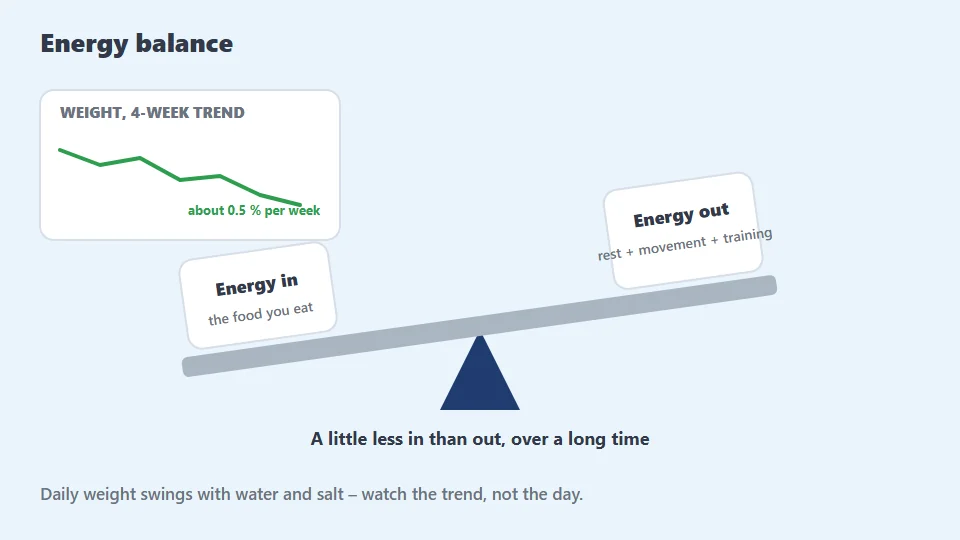
- Lose weight: strength twice a week plus powerwalks – strength protects muscle.
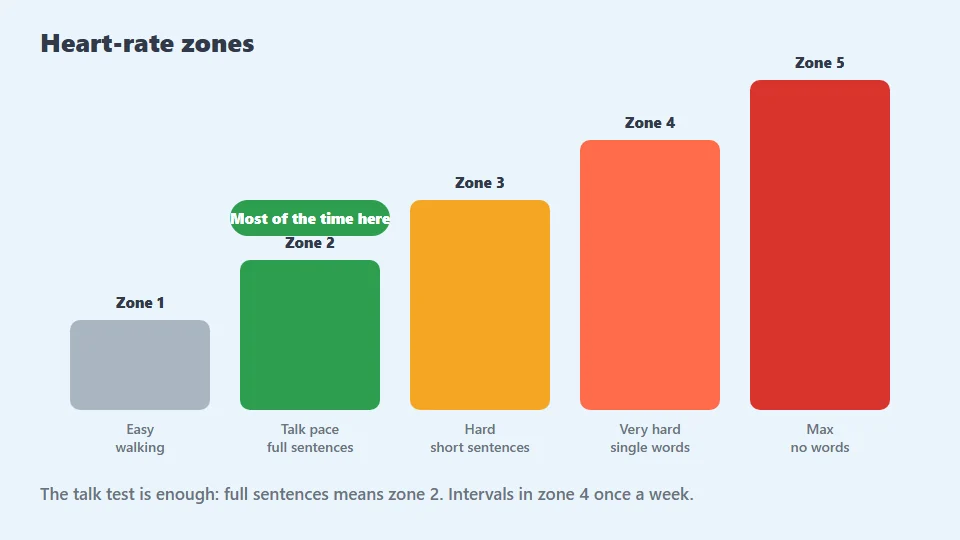
- Condition: walk/run intervals or powerwalks growing every week.
Move days that do not fit
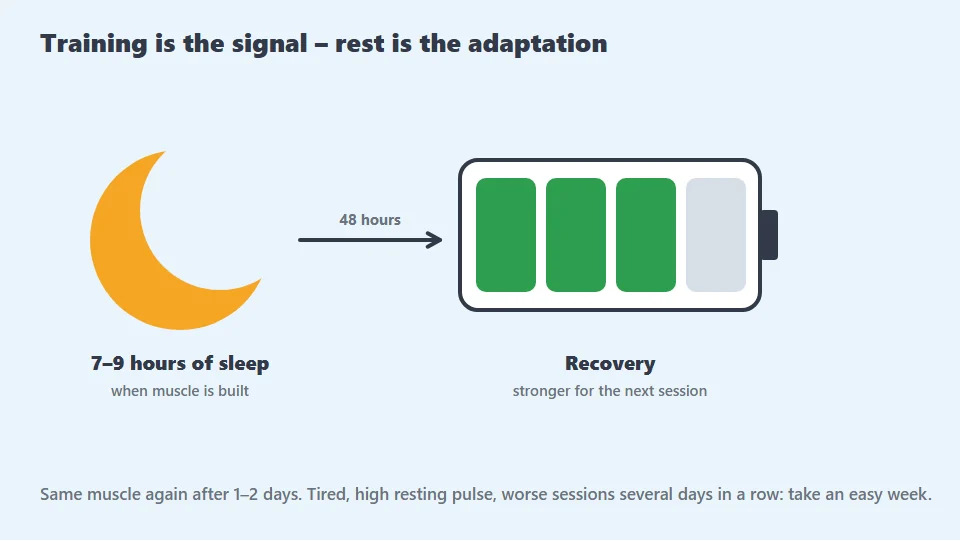
Try not to put a workout the day after another heavy one if you can avoid it – most people recover better with a day between. Move things in the calendar – the program cares about order, not weekday.
Swap missing exercises
Tick your equipment under My gym. Exercises that need something else are flagged in the workout, and Swap exercise suggests replacements on the same muscles. The swap is saved so it applies to all ready-made workouts.
Missed workouts
Skip and continue. Miss a whole week: repeat the previous week instead of jumping ahead. Miss two weeks or more: restart the program one week earlier than where you were.
Deload
Every fourth to eighth week is lighter: same weights, half the sets. The idea is to let the body catch up with the load. Research support for planned deloads is limited, but many find they feel fresher and avoid niggles with them – take it, especially if you feel worn down.
Sources and further reading are in the app under Learn. Passboken gives general advice and does not replace a doctor or dietitian. · Updated 2026-10-26
Programs that follow this
Get the app, pick the program and tap Start – the workouts are placed in your calendar and can be moved. Free, no ads.
Read more