
Your workouts, your body, your book.
Pick a program, put the workouts in your calendar and follow them on your phone. At every set you see what you lifted last time. Plan on your computer if you like – the workouts work offline.
Features
For people who work out a few times a week and want a plan to follow. Free, no ads.
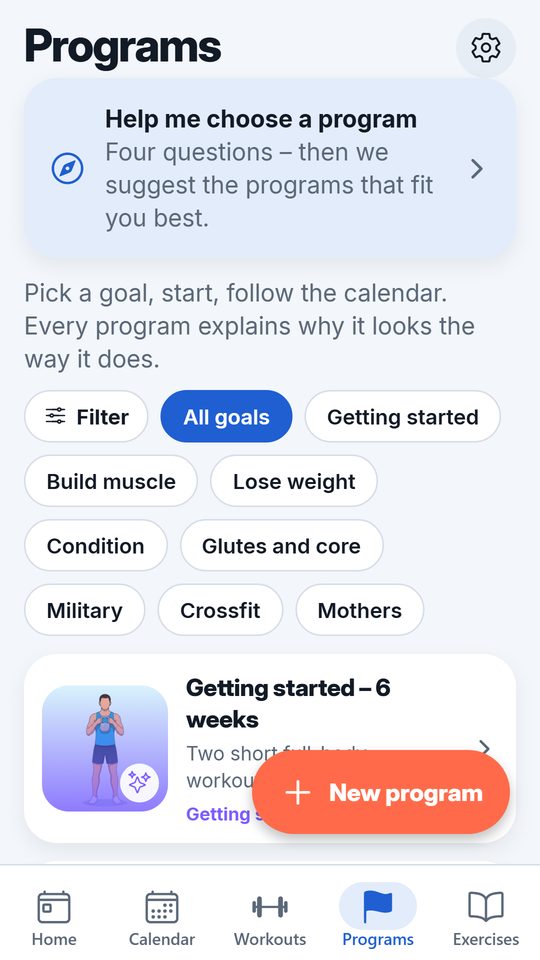
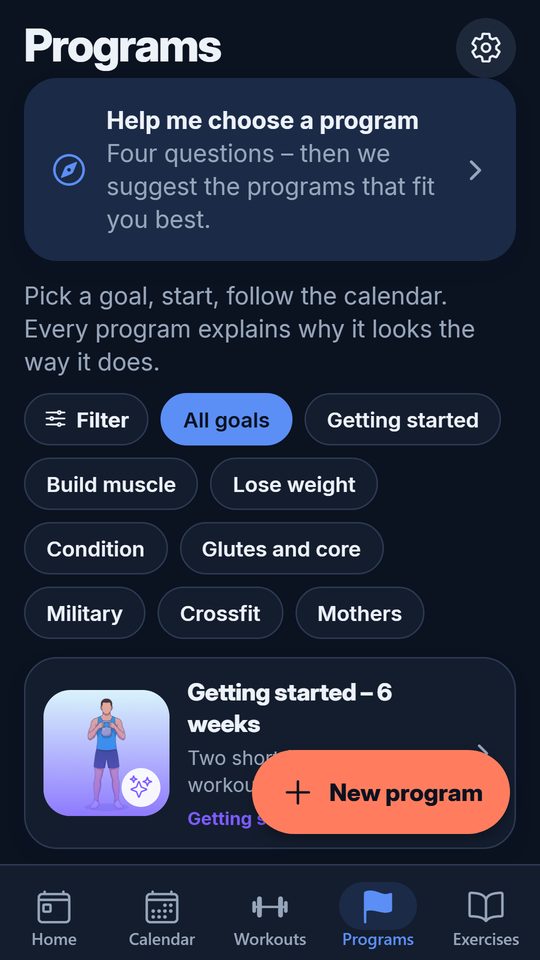
30 ready-made programs
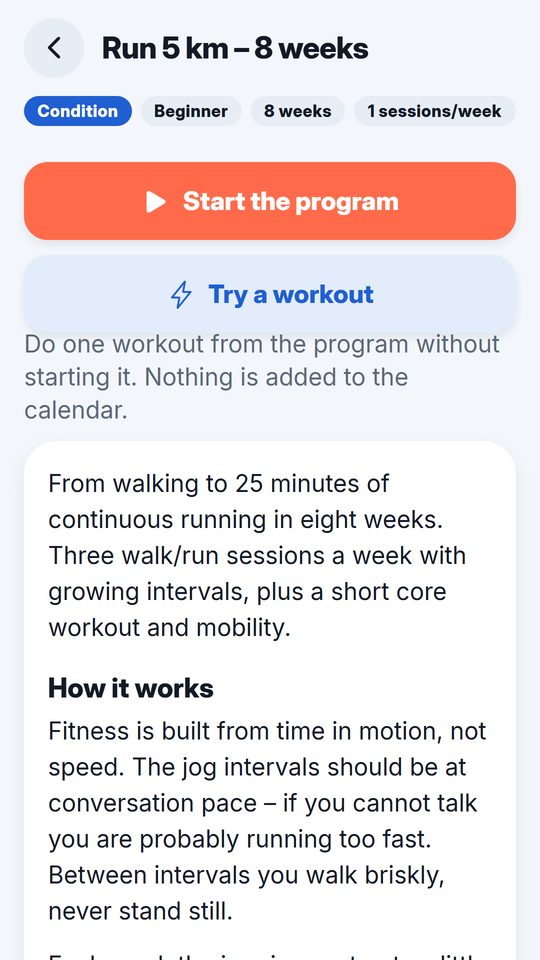
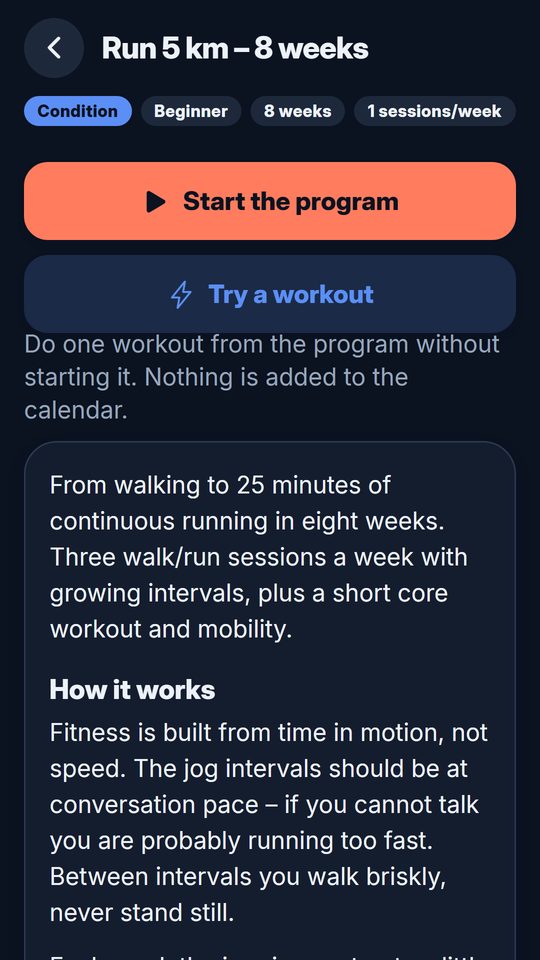
Getting started, building muscle 3–5 days a week, leg focus, losing weight, at home without a gym, powerwalk, 5 km and half marathon, plus military training, CrossFit, pregnancy and glutes. Every program explains why it looks the way it does. Your own programs are built the same way. See all programs.
Workouts that fit your gym
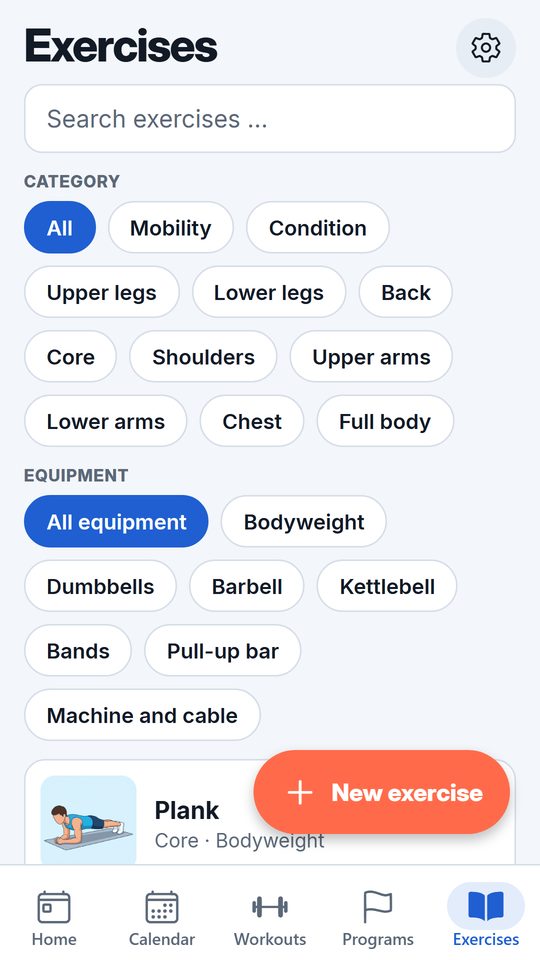
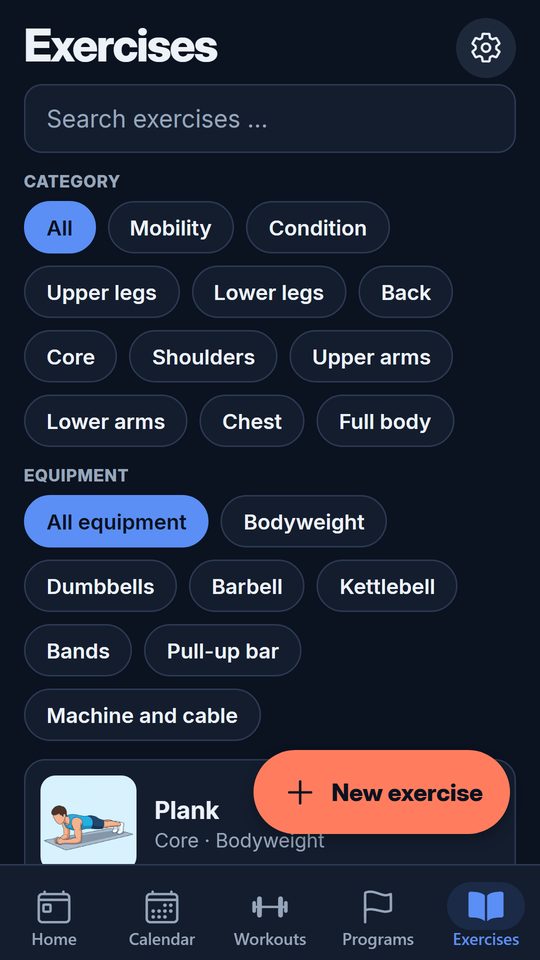
Tick the equipment your gym has. Exercises that need something else are swapped for an equivalent exercise. 650 exercises with images and instructions, and your own with photos. Browse the library.
Workout mode
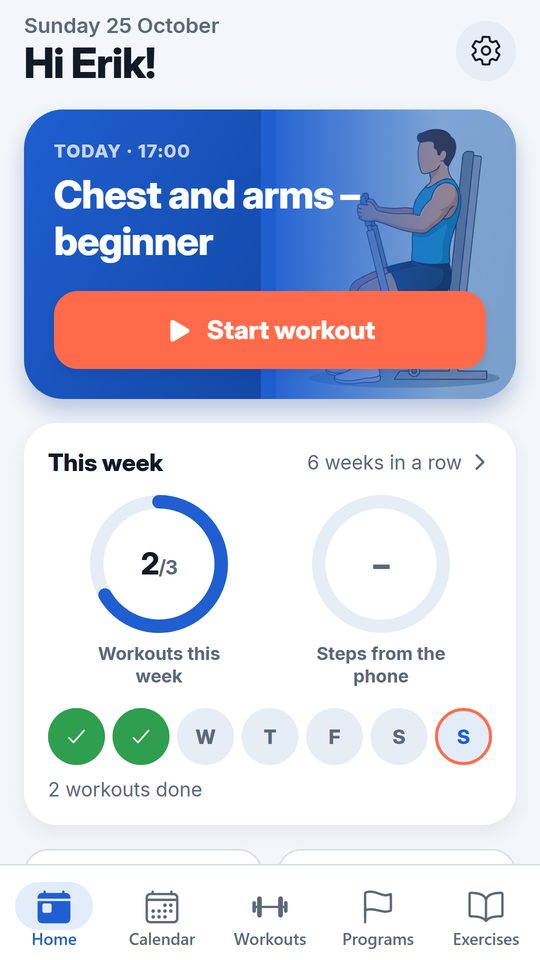
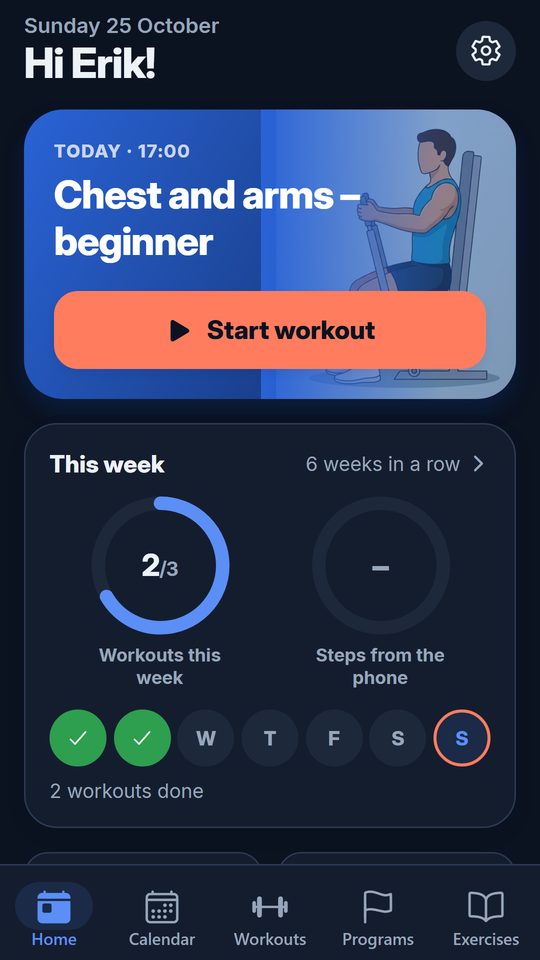
Last time's weight at every set, a hint when the weight can go up, a rest timer with sound, plate calculator and warm-up suggestions. Close the app mid-workout and you continue where you were.
Cardio and your watch
Powerwalk, running and intervals with voice cues and vibration. Workouts, steps and sleep from Garmin, Polar, Fitbit or Apple Watch are read via Apple Health and Health Connect and shown in the calendar.
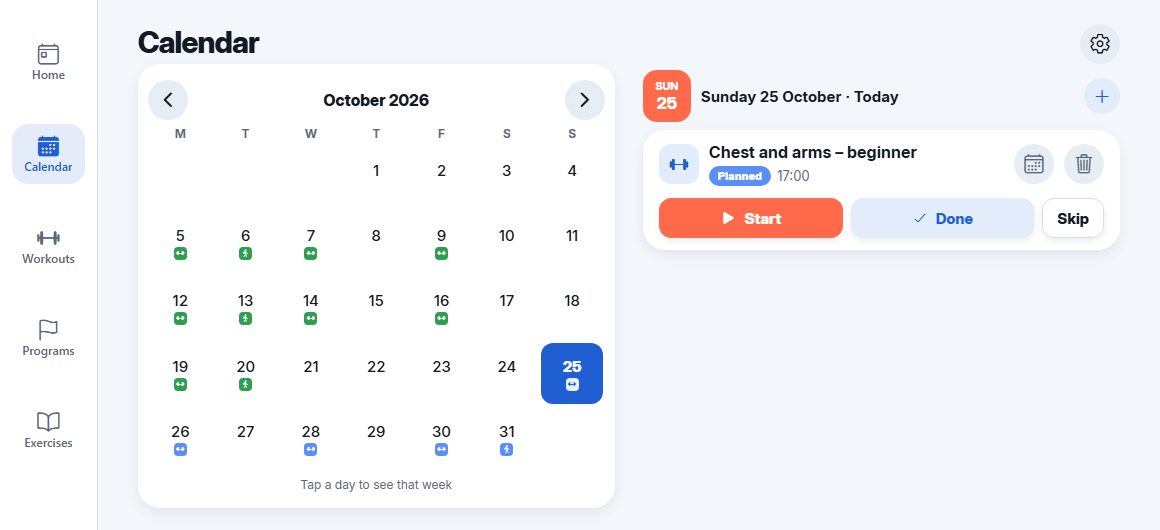
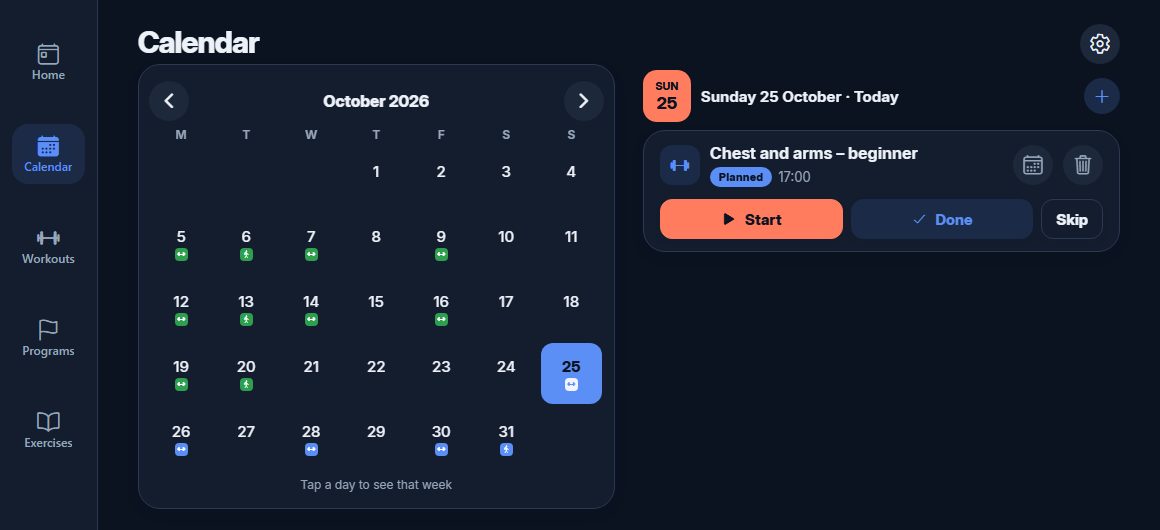
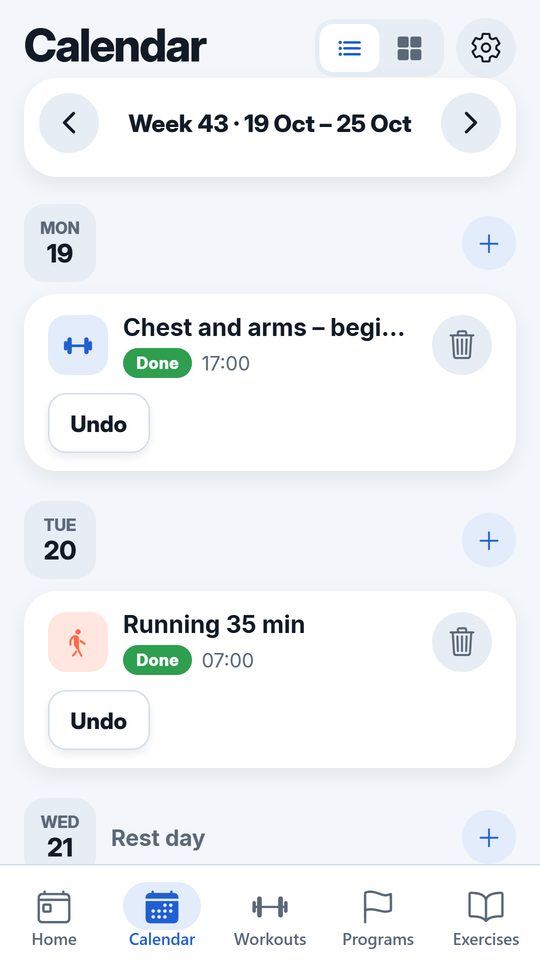
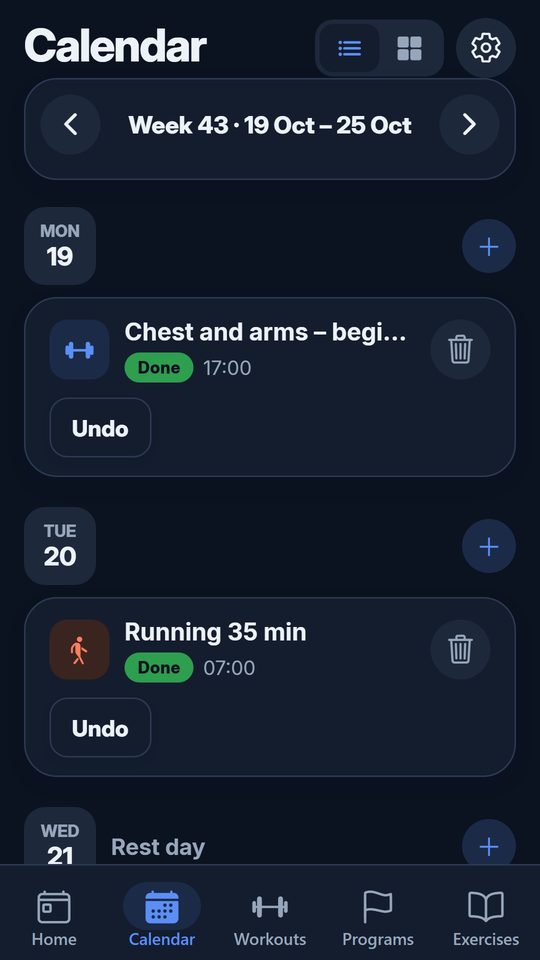
Weekly calendar
Plan workouts as recurring and move them when the week changes. Workouts can be written to your Google calendar. A reminder in the morning and a summary on Sunday.
Nutrition
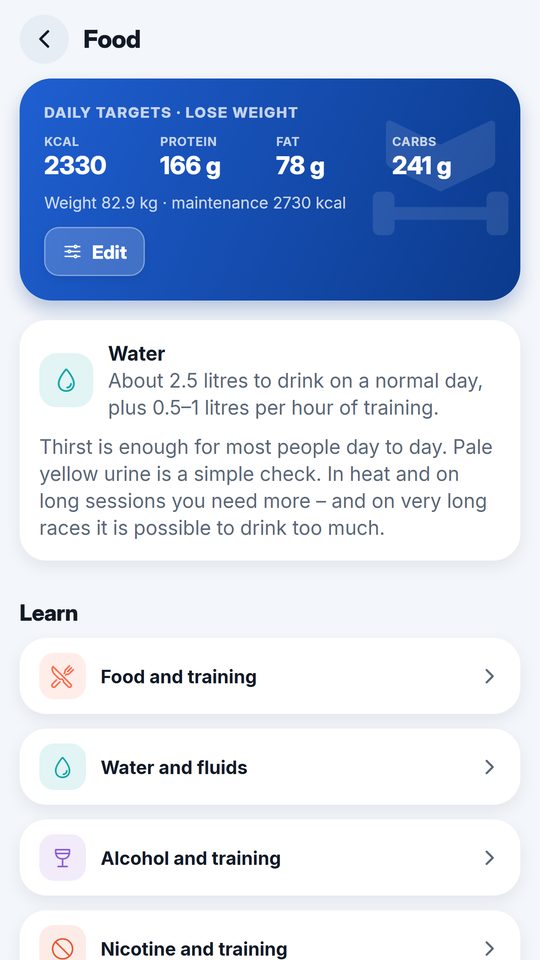
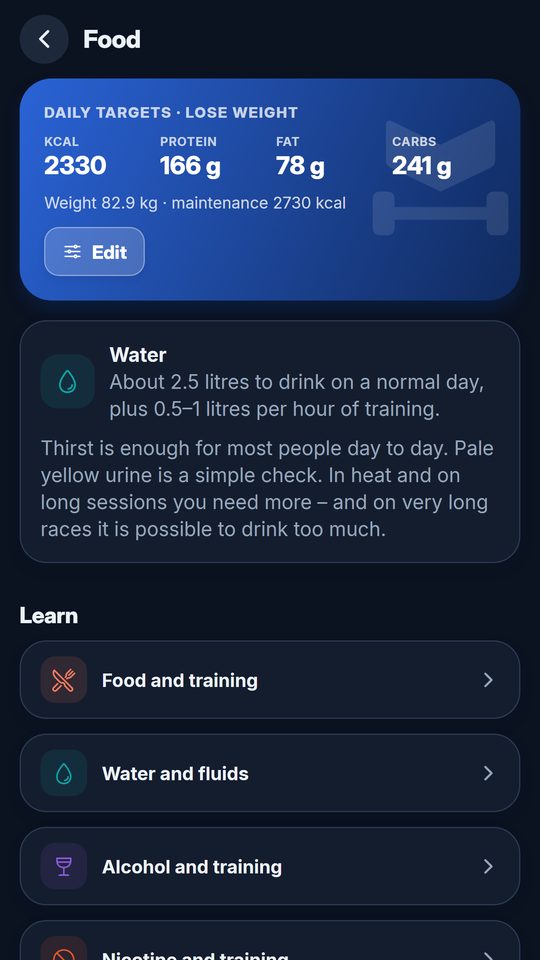
Daily energy and protein needs from your weight, height, activity and goal, a guideline for water, and short texts about food, fluids and alcohol when training. Read the articles.
Body, goals and statistics
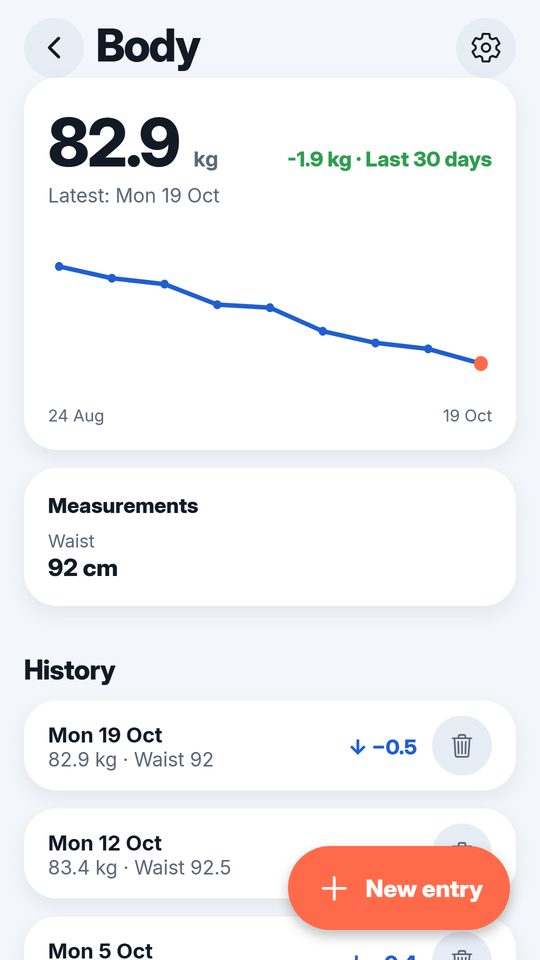
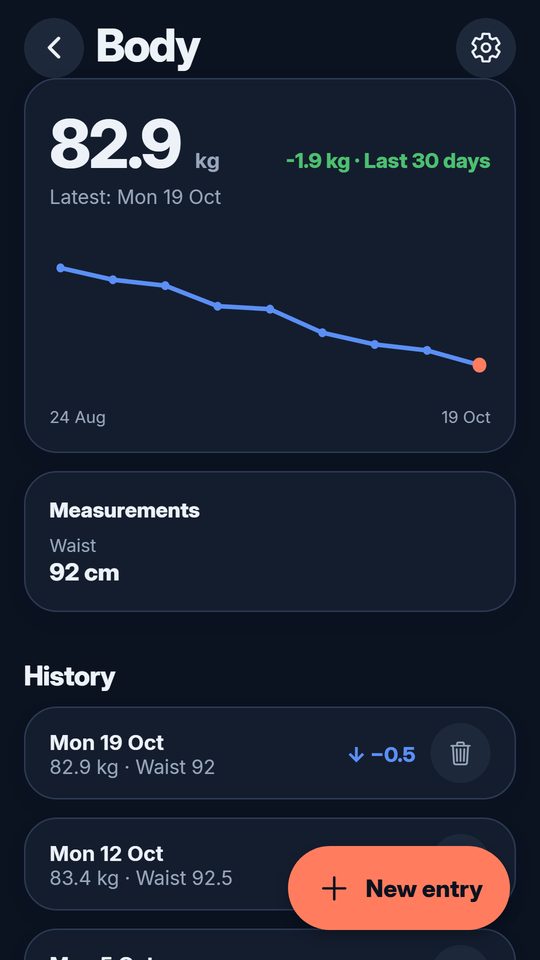
Weight, measurements and body photos, with a weekly reminder if you like. Goals with progress, a muscle map and progression per exercise.
Account and data
Sign in with Google, email or Apple on iPhone. On the phone the app works without an account. Sync between phone and computer, export as CSV, and delete the account with a couple of taps.
What it looks like
How it works
Pick a program
By goal and how many days you are at the gym. Or build your own from the ready-made workouts.
Plan the week
On your phone or your computer. The workouts land in the calendar and can be moved with a tap.
Train and log
Workout mode shows last time's weights and keeps track of the rest. Cardio with voice cues, or with your watch.
Follow up
What you have done shows in the calendar. Statistics, body measurements and a summary every Sunday.
Frequently asked questions
Is Passboken free?
Yes. Passboken is free, with no ads and no subscription.
Where do I download the app?
The app is in the App Store for iPhone and on Google Play for Android. The same app is also available in the browser at passboken.se/web.
Do I need an account?
On the phone you can use the app without an account; everything is then stored on the phone. With an account – Google, email or Apple on iPhone – your workouts sync between phone and computer. The web version requires an account.
Does Passboken work with Garmin, Fitbit and other watches?
On iPhone, workouts, steps, sleep, weight and heart rate from Garmin, Polar, Apple Watch and Fitbit are read via Apple Health and shown in the calendar. Fitbit bands such as Fitbit Air share to Apple Health through the Google Health app (Connections → Apps and services → Apple Health). On Android the same data is read via Health Connect, which Garmin Connect, Polar Flow, Fitbit and most watch apps share to.
Can I train without a gym?
Yes. The program At home without a gym uses bodyweight and small equipment, and under My gym you choose what equipment you have – exercises that need something else are swapped for equivalents.
Does the app work offline?
Yes. Workouts and logging work on the phone without a connection and sync when you are back online.
Where is my data stored?
On servers in Sweden run by Itendi AB, and locally on the phone. The data is only used to make the app work.
Can I take my data with me or delete my account?
Yes. Under Settings you can export your workouts as CSV and delete the account. When the account is deleted everything is removed from the server immediately.
Is the app available in English?
Yes. The app is in Swedish and English and follows the language you choose in Settings. The exercise library has instructions in both languages.
About Passboken
Passboken started as an app for our own use: ready-made programs that explain themselves, a calendar you can plan on your computer, workouts that follow your gym's equipment and data from your watch and scale – without a subscription. It is developed by Itendi AB in Broddetorp, Sweden.
The same app in your browser
The same account and the same features as on the phone, on a bigger screen. Good for planning the week and reading up. Reminders and data from your watch are handled on the phone.